
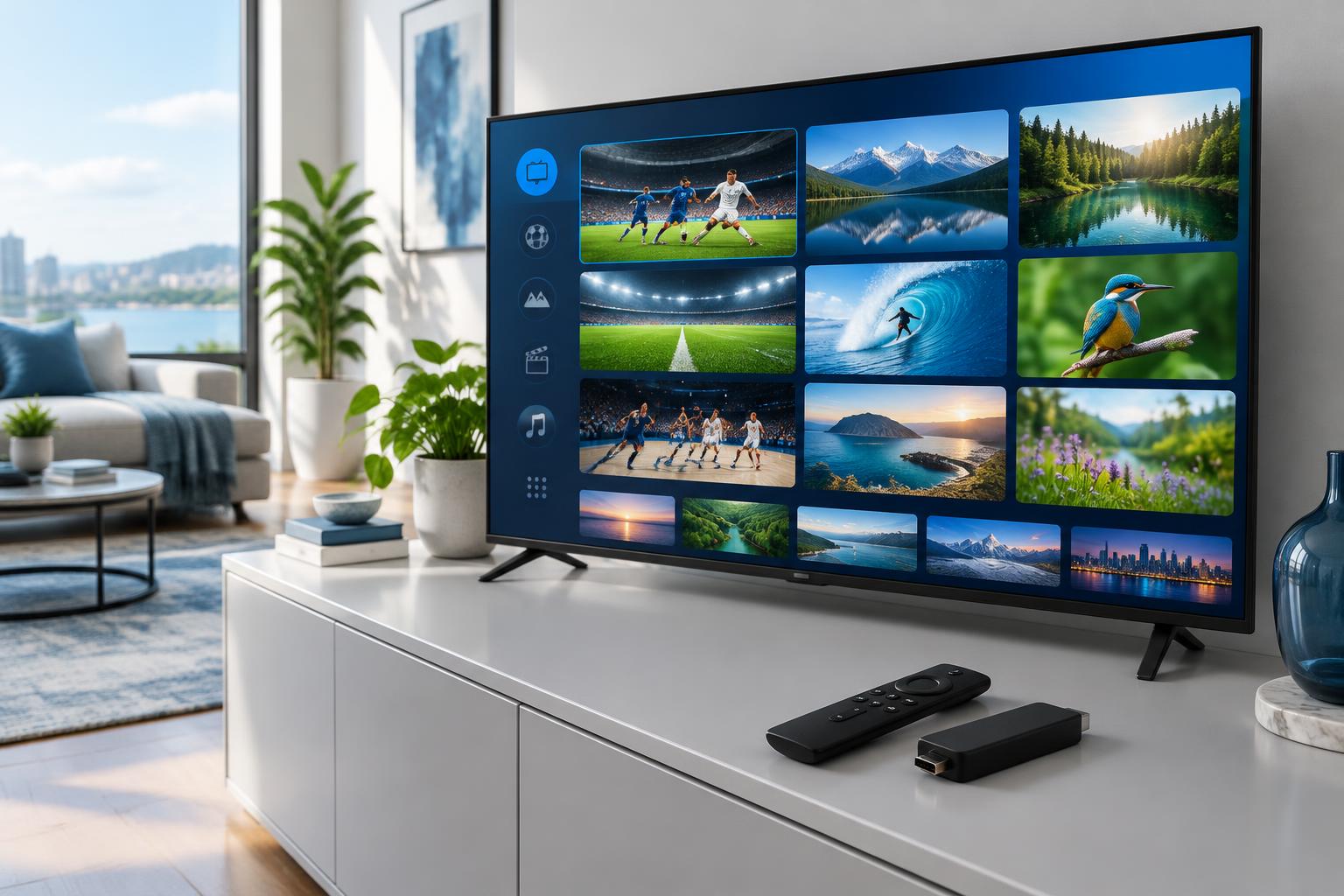
An IPTV trial is useful only if it answers your real viewing questions. Before looking for the best IPTV subscription, test the channels, device and network you will actually use—not just a demonstration on someone else’s screen.
Before the trial starts
Confirm the exact start and expiry time, any channel restrictions, the supported player and whether payment details are required. Ask whether anything renews automatically. Different sellers have different trial conditions; the word “free” does not replace written terms.
Check cancellation and renewal conditions before signing up. FireIPTVBox currently advertises a 24-hour trial request; confirm availability and access details with support.
Your practical viewing checklist
- Essential channels: Open each channel you care about and check the regional version, language and audio.
- Normal viewing time: Test during your usual evening or weekend slot, not only immediately after activation.
- Real device: Use the TV, phone or streaming stick you plan to keep using. Try channel changes and the TV guide.
- Picture and sound: Look for audio delay, dropped playback, subtitle support and quality changes.
- Household use: Confirm how many streams the trial permits before opening another screen.
- Support: Ask a concrete question about your device or plan and check whether the answer resolves it.
If playback buffers, isolate the cause
Record which channel stalled and when. Check whether other apps on the same device also have problems. Pause large downloads, move closer to the router or try Ethernet if your device supports it. Compare another channel and a lower playback quality, if available.
A fast internet speed test does not guarantee smooth playback: Wi-Fi interference, device limitations and provider-side congestion can all affect it. Household usage also affects connection needs. A VPN is not a universal buffering fix and does not establish content rights.
Keep a short test record
For each test, note the device, connection type, channel, time and outcome. “Living-room TV, Wi-Fi, evening, audio delayed twice” is more useful to support than “it doesn’t work.” Do not share login credentials in public reviews or screenshots.
Decide after checking the terms
If an essential channel or device fails, ask for clarification before buying a long plan. A successful trial is a snapshot, not a promise of future uptime. Confirm total cost, permitted connections, renewal and refund conditions separately.
Read our best IPTV subscription buying guide for the broader comparison, or check device setup before requesting access.