
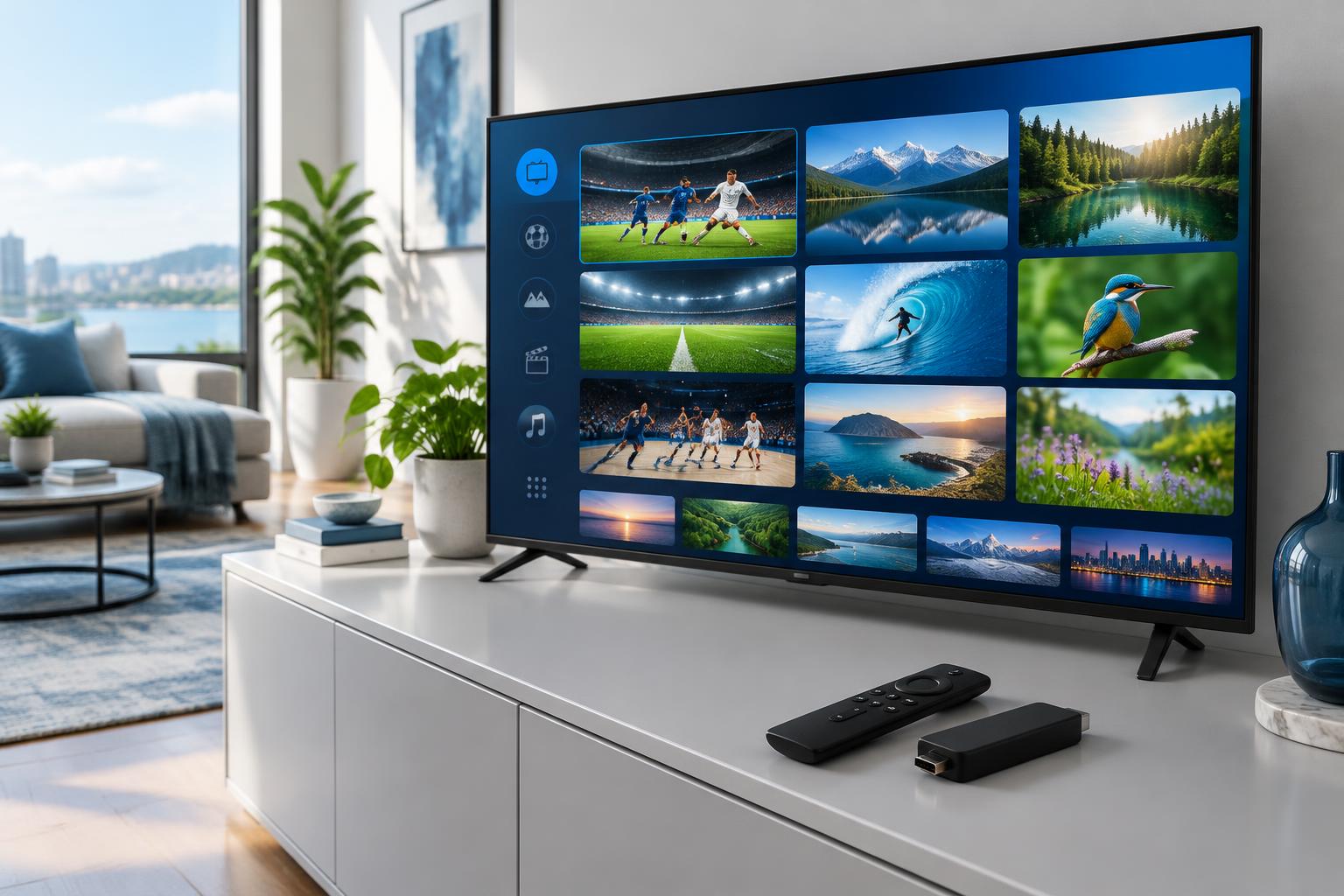
An IPTV player and an IPTV provider are different purchases. The player is the app you use to watch; the provider supplies access to a service. Installing a player does not necessarily include channels. When comparing the best IPTV subscription for your household, find out exactly which part of the setup you are paying for.
Three parts of a streaming setup
- Your device: the television, streaming stick, computer or phone running the app.
- The player: software that accepts a supported source and presents its channels or videos.
- The service: the source of the streams and account access, subject to its own availability and terms.
Some services combine the last two in a dedicated app. Others ask you to use a separate player. Before paying, ask whether the quoted subscription includes the player or whether an additional app purchase is needed. A player activation and a content subscription can have different expiry dates.
What is an M3U playlist?
In IPTV setups, an M3U playlist commonly gives a player a list of media locations. A provider may supply a playlist URL rather than a file you download. The player must support the format supplied by your service; a URL alone does not tell you what rights, channels or performance are included.
M3U8 also appears in streaming terminology. HTTP Live Streaming uses playlists to deliver media in segments. Do not assume every IPTV M3U playlist is an HLS stream, or that the file extension guarantees picture quality.
What are Xtream login details?
Some players offer an Xtream-style login screen that asks for a server address, username and password. Confirm that your chosen player accepts the details your seller supplies. Features such as guide data, categories or catch-up can depend on both the app and the service; the login method is not a promise that they are available.
Neither a playlist URL nor a credential-based login is automatically the best option. Start with the connection method your app supports and test it. Avoid choosing solely because one seller calls its format faster.
Keep account details private
A playlist link may contain account credentials. Treat it like a password: do not post it in a forum, public review or screenshot. Give support a description of the error first, and share sensitive information only through a trusted private channel when necessary.
Questions to ask before buying
- Which app and device have you confirmed work with this account?
- Will I receive a playlist URL, login details or access to a dedicated app?
- Are app fees included, and when does each purchase expire?
- Who helps with app problems, and who handles service or channel problems?
- What are the renewal, cancellation and permitted-stream terms?
A working player does not establish that a provider is authorized to distribute its content. Check distribution rights and local requirements separately. You can learn more about player features in our IPTV apps guide, then use the trial checklist to evaluate the full setup.