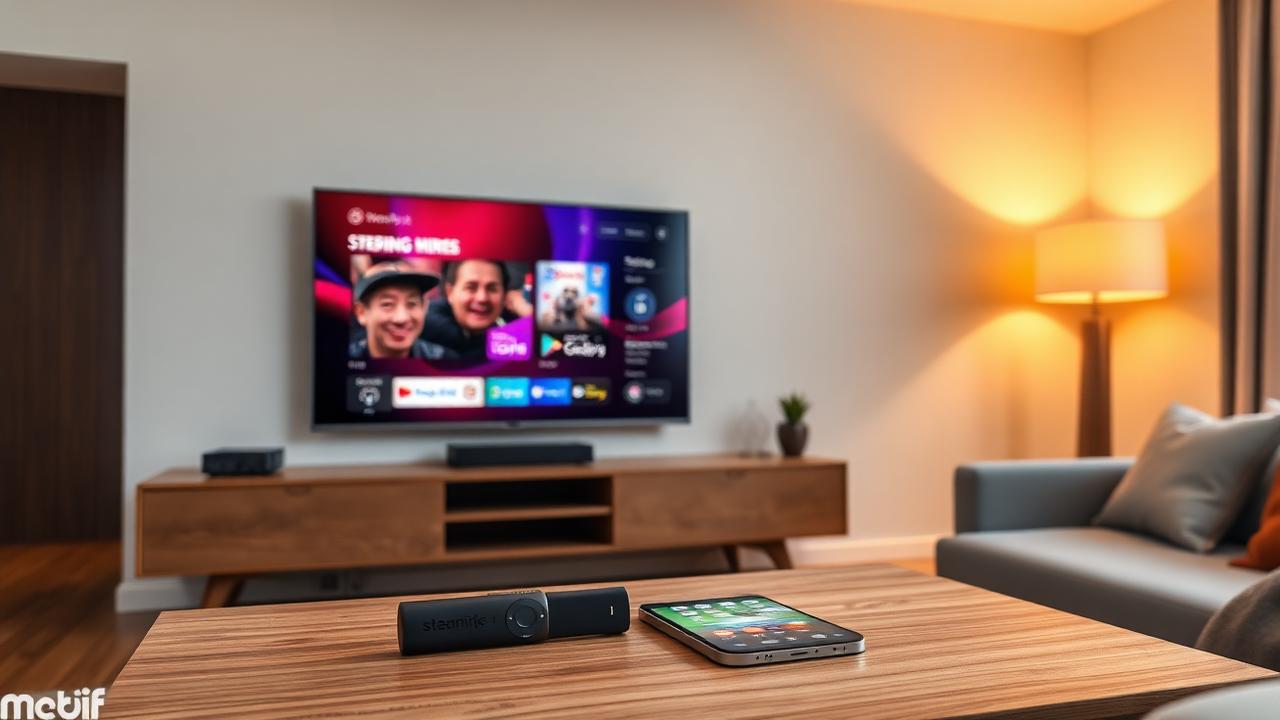
The best IPTV subscription for a smart TV is one you can actually use on your exact television. A brand name alone is not enough to establish compatibility. Check the TV model, available app and account format before paying for either the service or a player.
Identify the television, not just the brand
Find the model code in the TV’s settings, manual or product label. Note its operating system and the country used by its app store. Keep this information ready when contacting support. Two televisions from the same manufacturer can have different software and app choices.
Streaming services maintain device-specific requirements. Compatibility with one service does not prove compatibility with another provider; check the service and app you intend to use.
Confirm the app is available to you
Search the television’s own app store for the exact player name. Read its current listing and requirements rather than relying on an old installation video. Confirm the publisher and any activation fee. An app available on a phone may not be available on a television with the same brand name.
Do not pay for a long service plan on the assumption that you can install an app later. If the app is unavailable, ask support for a supported alternative and verify that alternative before making a purchase.
Match the app to the account details
Check whether the app accepts the playlist or login method the provider supplies. Ask about guide data, subtitles and any feature you consider essential; not every app-service combination offers the same experience. Our player vs provider article explains why app activation and subscription access are separate questions.
Test with the remote you use every day
- Open your essential channels and check sound and picture.
- Try scrolling through categories, searching and changing channels.
- Check whether guide text is readable from your usual seat.
- Close and reopen the app to see whether the account remains accessible.
- Test during your normal viewing time using the TV’s usual network connection.
A service that opens on a phone has not yet passed this TV test. Record the exact model, app and any error message when asking for help. Never include passwords in public screenshots.
If your TV is unsupported
An external streaming device may be an option, but check its supported apps, connection requirements and compatibility with your television first. Compare the additional hardware and player costs with using a service already supported by the TV. Avoid buying hardware simply because a seller says it works on every screen.
Browse our Samsung TV, LG TV and Android TV pages for device-specific starting points. Confirm current availability with the app publisher and support.
Your pre-payment checklist
Before subscribing, you should know the exact TV model, working app, supported login method, separate fees and support contact. Verify the provider’s authorization to distribute the advertised content as a separate check. If any essential part remains uncertain, resolve it before choosing a longer plan. Our subscription buying guide covers the wider comparison.